Director-level control across formats
Direct MAGI-2 with text prompts, reference images, and clips. Set first and last frames, guide camera movement, and shape the cinematic style with a cleaner workflow.
 MAGI-2
Create with a frontier multimodal video model. MAGI-2 delivers native audio-video sync, up to 30 seconds at 1080p and 25 fps, and up to 20 omni-references per request, including images, clips, and audio together.
Start CreatingDirect MAGI-2 with text prompts, reference images, and clips. Set first and last frames, guide camera movement, and shape the cinematic style with a cleaner workflow.
Create one-take tracking shots and multi-shot sequences with consistent characters, environments, and visual rhythm across every cut in MAGI-2.
Extend scenes, insert new shots, and refine footage while keeping MAGI-2 projects visually coherent from first frame to final delivery.
Access MAGI-2 inside your creative workflow to generate professional video content by combining prompts with your own images, clips, and direction in seconds.
Start CreatingSet the scene in a prompt. Include the action and where you want the camera to go.
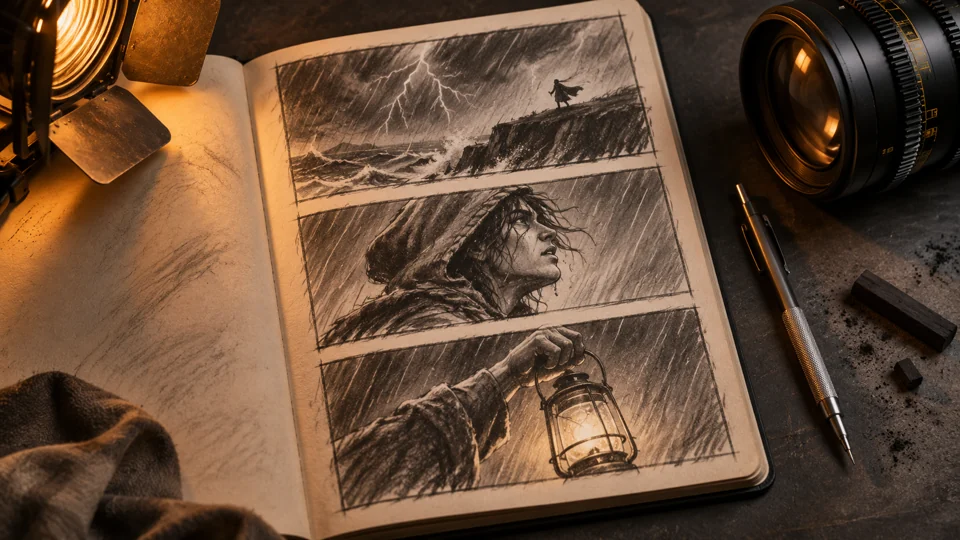
MAGI-2 is built for creators, teams, and studios that need cinematic control, faster iteration, and consistent visual quality across modern video workflows.
Try MAGI-2
Create polished campaign visuals, launch videos, and social-ready edits with tighter creative control and faster iteration cycles.
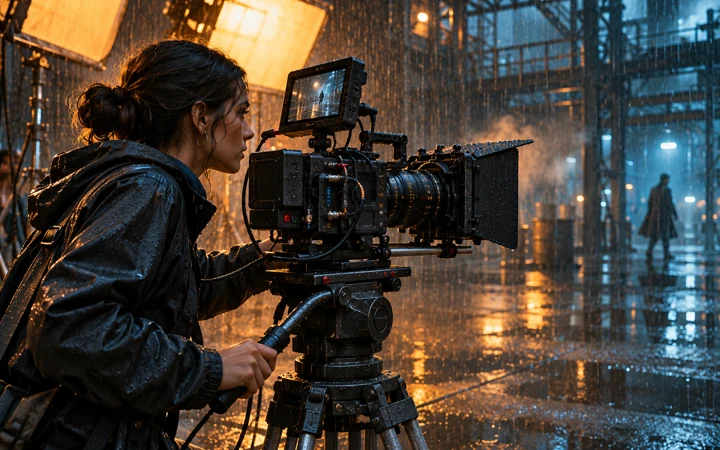
Previsualize scenes, test camera movement, and build multi-shot sequences with stronger continuity before final production.
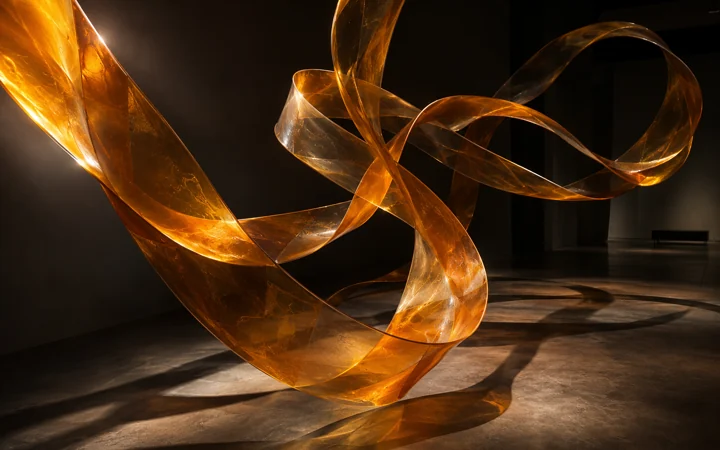
Turn reference images into stylized motion concepts, explore new looks, and push visual ideas into production-ready directions.
Discover MAGI-2’s advanced features that give you director-level control over AI video generation.
Start CreatingDefine creative direction using @Image and @Video references. Lock in your characters, guide camera movements, and build multi-shot sequences by tagging references directly inside the workflow.
Create from text prompts, animate still images, or transform existing clips. Move between generation modes without rebuilding your workflow from scratch.
Create from prompts, images, and clips with optional audio-driven direction. Keep motion, timing, and scene intent aligned across every generation pass.
Continue scenes naturally with consistent characters, environments, and motion flow. Extend generations while maintaining cinematic direction and pacing.
Generate one-take tracking shots or structured sequences that preserve character identity and environmental details across scene cuts.
Marketing, product, and entertainment workflows share the same disciplined craft: flexible enough for experiments, strict enough for enterprise launches.
Scroll-stopping stories with consistent identity while you scale production.
Cinematic clarity and measurable iteration for leaders who want velocity without sacrificing taste.
Turn product narratives into premium visual experiences aligned with positioning and proof.
Expressive motion and disciplined craft for bold ideas that still need to land, supported by MAGI-2 end to end.
Join creators using MAGI-2 to produce stunning videos. MAGI-2 makes professional video creation accessible to everyone.